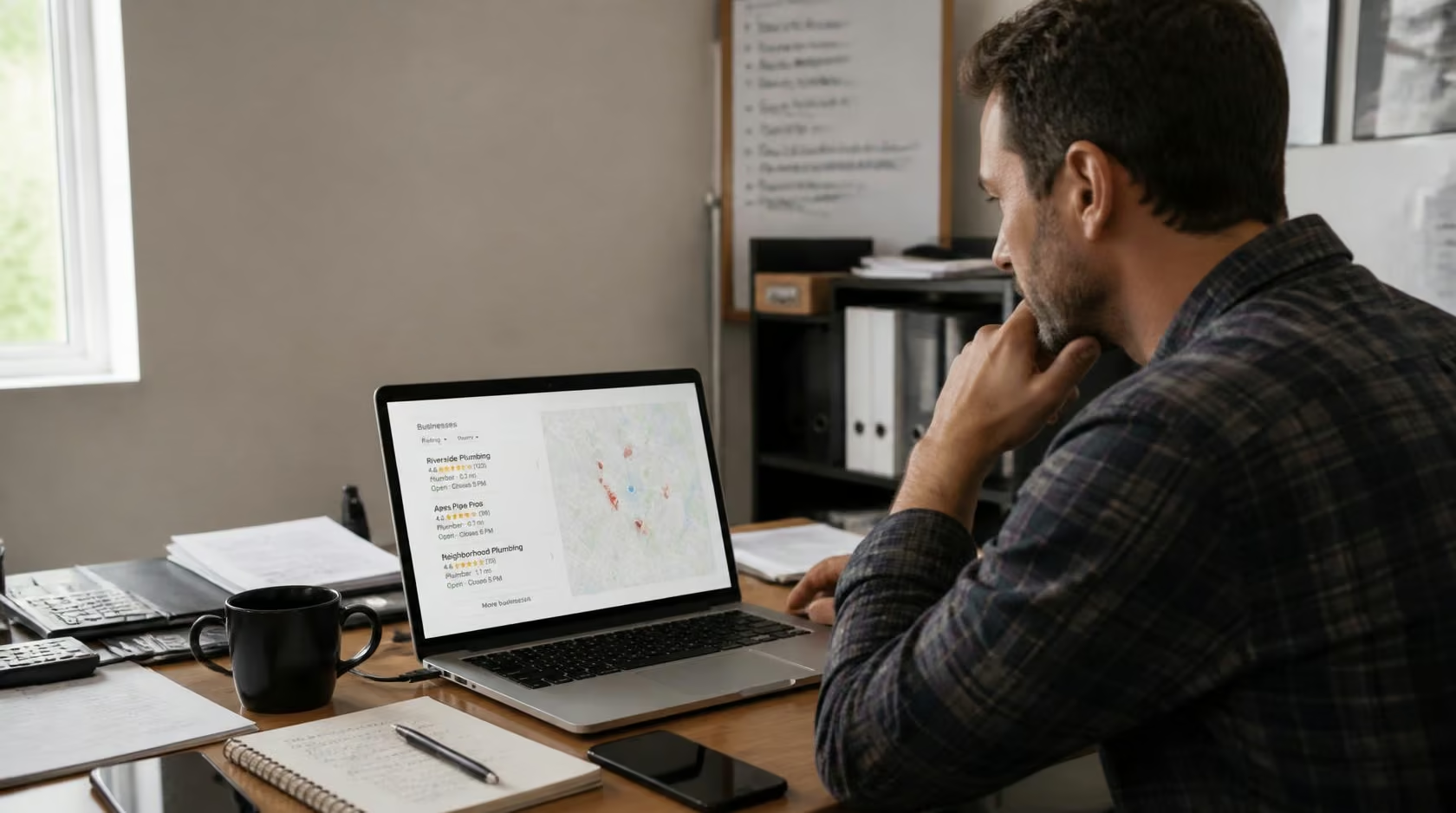
If you’ve ever searched for a business “near me” and wondered why your own company doesn’t show up in that neat little map with three listings underneath it, you’re not alone. That box — known as the local pack — is prime digital real estate, and getting into it isn’t down to luck. It comes down to how well you’ve optimised your presence for Google Maps SEO, and most businesses are leaving easy wins on the table.
Google Maps SEO is simply the practice of improving how your business appears in Google’s local search results, whether that’s through the Maps app itself or the local pack that shows up above standard organic listings when someone searches with local intent. Given that a huge share of “near me” searches lead to a visit within a day, this isn’t a nice-to-have. It’s often the difference between a full diary and an empty one.
What Actually Decides Who Ranks
Google has been fairly transparent that three things shape local rankings: relevance, distance and prominence. Relevance is how well your Google Business Profile matches what someone’s searching for — get your categories, services and description right and you’re already ahead. Distance is exactly what it sounds like: how close your listed address is to the searcher, which is largely out of your hands unless you relocate. Prominence is the wildcard, and it’s the one most businesses can influence the most. It’s built from your review volume and rating, your general online reputation, and how consistently your business information appears across the web.
Understanding this trio matters because it stops you chasing the wrong fixes. You can’t out-optimise distance, but you can absolutely out-optimise relevance and prominence, and that’s where the effort should go.
Claim and Fully Verify Your Google Business Profile
This sounds obvious, yet an enormous number of listings sit unclaimed or half-finished. Search your business name on Google first — there’s a decent chance a profile already exists that Google generated automatically. If it does, claim it through Google Business Profile; if it doesn’t, create one from scratch. Verification usually involves a postcard, phone call or email, depending on your business type, and until that step’s done, your listing won’t carry full weight in the algorithm.
Complete Every Section of Your Profile, Not Just the Basics
A half-filled profile signals to Google that there’s less to work with, and it shows. Beyond name, address and phone number, add your opening hours (including seasonal or bank holiday changes), a genuinely descriptive summary of what you do, every service or product category that applies, and a steady stream of photos. Businesses with complete, image-rich profiles tend to attract more clicks and more direction requests simply because they look active and trustworthy at a glance.
Choosing the right primary category deserves particular attention here. It’s one of the strongest relevance signals Google uses, so pick the most specific and accurate option available rather than the broadest one that technically applies.

Post Regularly Using the Updates Feature
Google Business Profile includes a posting feature, similar in spirit to a social feed, where you can share offers, new arrivals, events or general updates. It’s underused, which makes it a genuine opportunity. Fresh, recent activity on a profile tells Google the business is active, and it gives potential customers a reason to engage rather than just glance and move on. A quarterly promotion, a seasonal update or news of a new service line all work well here.
Treat Reviews as a Ranking Factor, Not Just Reputation Management
Reviews sit right at the heart of prominence. The volume, recency and average rating of your reviews all feed into how Google judges your standing against competitors nearby. Beyond simply collecting more of them — which you can encourage by sharing your direct review link with customers after a positive interaction — how you respond matters almost as much. Reply to everything, not just the glowing five-star comments. A thoughtful, professional response to a negative review often does more for trust than ignoring it ever could, and it shows both Google and future customers that someone’s actually paying attention.
Keep Your Business Details Identical Everywhere Online
Your name, address and phone number — often shortened to NAP — need to match exactly across every platform where your business appears: your website, social profiles, directories like Yell or Bing Places, and any trade-specific listings. Inconsistencies, even small ones like “St” versus “Street,” can quietly undermine the trust signals Google uses to verify your business is legitimate and where it says it is. It’s worth doing a manual audit every so often, or using a listings management tool if you operate across several directories.
Optimise Your Website for Local Search Too
Google Maps SEO doesn’t live in isolation from your wider website. Weaving your town, city or service area naturally into page titles, headings and body content helps Google connect your site to local search intent. If you operate from more than one location, a dedicated page per branch — complete with its own address, contact details and locally relevant content — performs far better than one generic “locations” page trying to cover everything. Make sure your NAP appears somewhere visible on every page too, typically in the footer, and don’t neglect mobile responsiveness, since the overwhelming majority of local searches happen on a phone.
Adding LocalBusiness structured data to your site’s code is another layer worth implementing. It gives Google explicit, machine-readable confirmation of your address, hours and contact details, which can support richer, more prominent listings in search results.
Earn Backlinks From Genuinely Local Sources
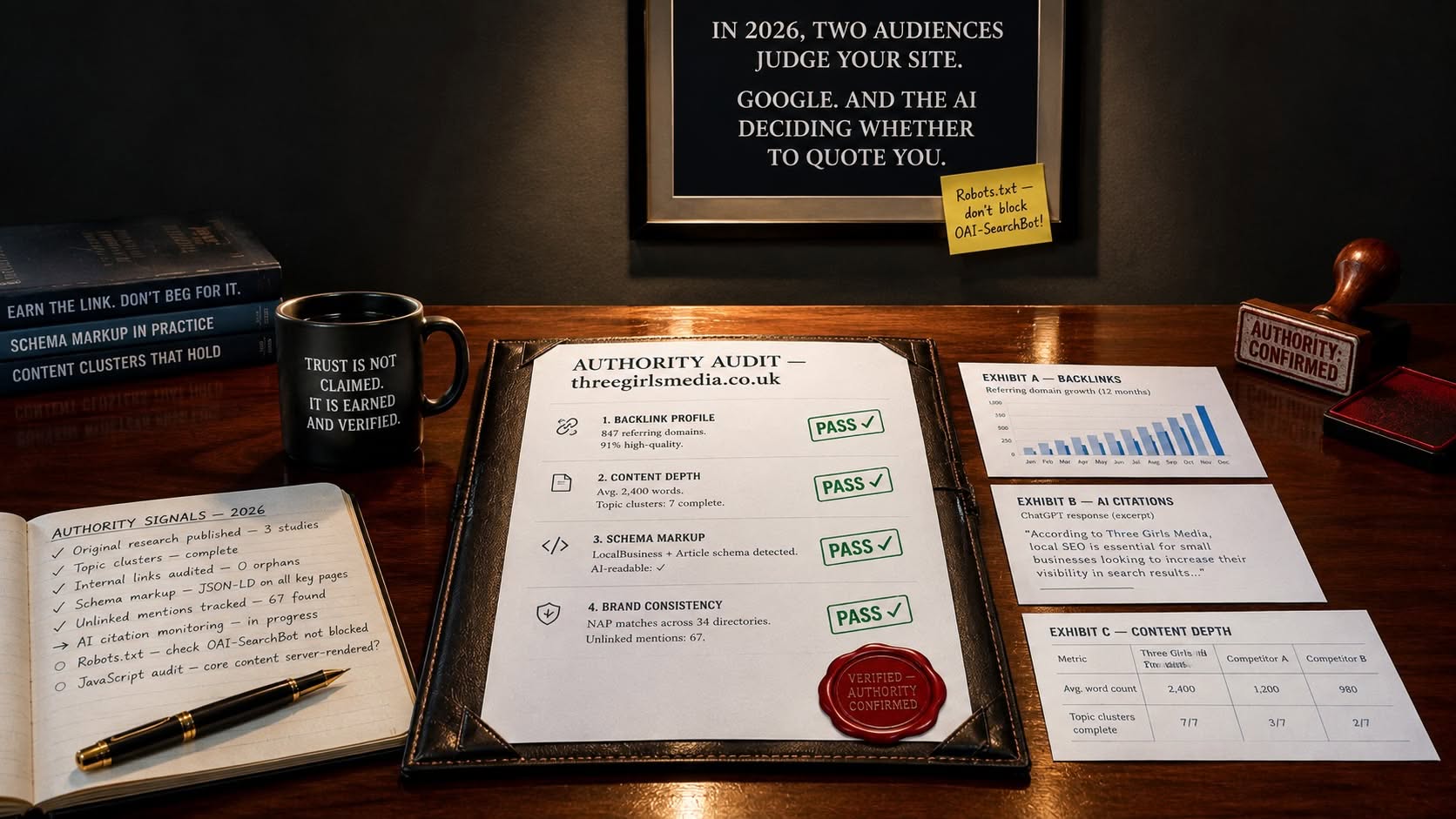
Backlinks remain one of the more durable ranking signals in SEO generally, and locally relevant ones carry particular weight for Google Maps SEO. Rather than chasing links from anywhere, focus on sources tied to your area: local news coverage, chamber of commerce listings, sponsorships of community events, or partnerships with complementary local businesses that lead to a natural mention and link. These carry more relevance in Google’s eyes than a generic, unrelated backlink ever could, because they reinforce that your business is a genuine, active part of the community it’s targeting.

Go After Long-Tail, Location-Specific Keywords
Broad terms like “plumber” are brutally competitive, especially in cities. Long-tail phrases such as “emergency plumber in [town] open weekends” carry lower search volume individually but tend to convert far better, since the person searching already knows roughly what they want. Weaving these naturally into your GBP description, website copy and blog content helps you capture searchers who are further along and more ready to act, without going head-to-head with every large competitor in your sector for the same handful of generic terms.
Embed a Map and Consider Local Ads
A simple but often-skipped step: embed an actual Google Map on your contact or location page. It reinforces your geographic relevance to Google and gives visitors an immediate, practical way to find you. For businesses wanting a faster route to visibility while organic efforts build, Google Local Services Ads can sit above standard results and are worth testing alongside your organic strategy, particularly for service-based businesses relying on calls and bookings.
Bringing It All Together
None of these factors work in isolation, and that’s really the point. A verified, fully completed profile with strong reviews, consistent NAP details, locally optimised content and a handful of relevant backlinks compounds far more effectively than nailing just one element brilliantly and ignoring the rest. Local search is genuinely one of the more levelled playing fields in SEO — a well-run independent business can comfortably outrank a national chain in its own postcode with the right groundwork. Start with your profile, keep it active, and build outward from there.