If you run a business with more than one branch, shop or office, you’ve probably built a location page for each one and hoped for the best. Most of them sit there quietly, never cracking page one for the searches that matter most: “[service] in [town],” “[service] near me,” or the dozens of neighbourhood variations your customers actually type. The good news is that this is fixable, and it doesn’t require a content overhaul every quarter. It requires getting a handful of fundamentals right, consistently, across every location you serve.
Below is a practical breakdown of what separates a location page that ranks from one that quietly gathers dust.
What a location page is actually for
A location page is a dedicated page on your website built around a single physical branch, service area or office. Its job is twofold: convince Google that your business genuinely operates in that area, and convince a human visitor that they’ve found the right branch to call, visit or book. Get either of those wrong and the page will underperform, no matter how well it’s written.
This matters more than people assume. A study on local pack ranking factors from Whitespark consistently points to proximity, relevance and prominence as the three pillars Google leans on for local results — and a well-built location page feeds directly into the “relevance” and “prominence” parts of that equation.
Start With Keyword Research That Reflects How People Actually Search
Don’t guess at what your customers type into Google. Local search behaviour tends to follow a predictable pattern: a service or product term, paired with a geographic modifier. Think “emergency plumber in Manchester,” “dentist near Piccadilly,” or simply “coffee shop near me.”
A tool such as Semrush’s Keyword Magic Tool or Google’s Keyword Planner will surface these combinations quickly. Enter your core service, filter by your country, then narrow results using your city or neighbourhood as an “include” filter. What you’re looking for is a shortlist of terms with genuine search volume and a realistic chance of ranking — not the most competitive head term in your industry, but the specific, winnable combinations your competitors haven’t bothered targeting yet.
Once you’ve got that list, weave the terms naturally into your title tag, H1, subheadings and body copy. Resist the urge to repeat the same phrase five times in two paragraphs; Google’s algorithms are far better at understanding intent and synonyms than they were even a few years ago, and keyword stuffing now does more harm than good.
Write Content That Couldn’t Be Copy-Pasted to Another City
This is where most location pages fall flat. A business with fifteen branches often builds fifteen pages that are identical except for the address and phone number swapped at the top. Google notices this. Duplicate or near-duplicate content across a domain dilutes relevance signals and makes it far harder for any single page to rank.
The fix is to genuinely localise the copy. If you run a cleaning company with branches in coastal and inland towns, the coastal page might mention salt-air buildup on windows or sand tracked in from the beach, while the inland page focuses on something entirely different, like pollen or general dust accumulation. A law firm’s Leeds office page might reference local court names; its Bristol page won’t.
Alongside this, keep the practical details accurate and current: address, phone number, opening hours, and parking or accessibility notes. Crucially, this information needs to match exactly what’s listed on your Google Business Profile — inconsistent NAP (name, address, phone) data across your website and directory listings is one of the more common reasons local rankings stall.

Give Visitors a Map, Not Just an Address
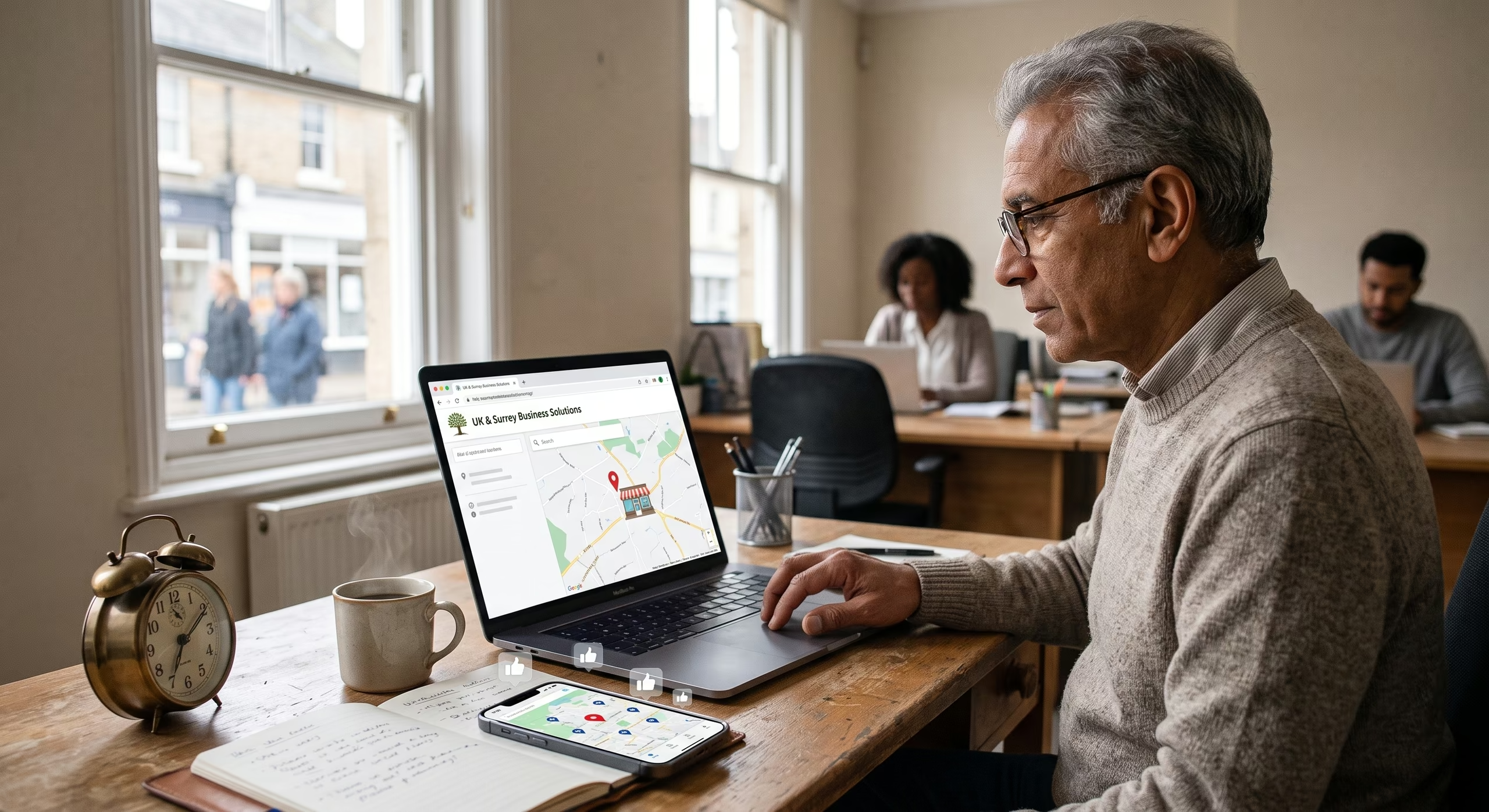
Embedding a map does two jobs at once. For users, it removes the friction of copying an address into a separate app to get directions. For Google, it reinforces the geographic association between your page and the location it’s meant to represent.
If you have a physical storefront, drop a pin on the exact spot. If you’re a service-area business without a public-facing office — say, a pest control company or a mobile locksmith — outline the area you cover instead, and list the towns or postcodes included. Google’s Maps Embed API documentation walks through the setup, and it’s a fairly quick job for a developer to implement across a template.
Photos that prove you’re really there
Stock imagery undermines trust faster than almost anything else on a location page. Real photos of your storefront, your team, and your workspace do more than fill space — they act as a visual confirmation that this is a genuine, staffed location rather than a placeholder page thrown up to capture search traffic. Include exterior shots with visible signage, interior photos, and if appropriate, staff photos. Alt text on each image should describe what’s shown, ideally with a natural mention of the location, which also helps with image search visibility.
Reviews Are Doing More Work Than You Think
Customer reviews sit at the intersection of trust and ranking. Prominently displaying your star rating and a handful of genuine testimonials gives hesitant visitors the reassurance they need to pick up the phone. For SEO purposes, reviews that specifically reference the branch or town in question (“The team at the Cardiff branch sorted this within a day”) are more valuable than generic praise, because they reinforce the page’s local relevance in the same way targeted keywords do.
If you’re not actively collecting location-tagged reviews yet, it’s worth building a simple follow-up email or SMS request into your post-service process. It compounds over time.

A call to action that matches the intent
Whatever action you want visitors to take — book a table, request a quote, schedule a consultation — that CTA should sit above the fold and reappear at least once further down the page, ideally after a natural content break. Vague buttons like “Learn More” convert worse than specific ones like “Book Your Free Survey” or “Call the Bristol Team Now.”
Nail the Technical and On-Page Basics
None of the above matters much if the underlying page structure is weak. A few essentials worth double-checking:
Title tags and URLs
Keep your URL slug short and readable, ideally just your service and location (e.g. /locations/bristol/). Your title tag should include your primary keyword and stay under roughly 60 characters so it doesn’t get truncated in search results.
Headings that do double duty
Your H1 should carry your primary keyword naturally. Use H2s and H3s to break the page into scannable sections — services offered, opening hours, reviews, FAQs — each carrying a relevant secondary keyword where it fits without feeling forced.
Internal links and structured data
Link out to related service pages, your main services hub, and a central locations directory if you have one; this helps both users and search engines navigate your site’s structure. On the technical side, add LocalBusiness schema markup to each page. This structured data tells Google your business name, address, phone number, hours and service type in a machine-readable format, and it can unlock richer search result features like star ratings or opening hours snippets.
Mobile speed isn’t optional
The majority of local searches happen on a phone, often from someone standing outside or actively looking for directions. Google’s indexing is mobile-first, meaning the mobile version of your page is what gets evaluated for ranking. Compress images, avoid heavy unoptimised scripts, and test your page with Google’s PageSpeed Insights to catch anything dragging load times down.

Answer the Questions Before They’re Asked
A short, genuinely useful FAQ section at the bottom of the page does more heavy lifting than people expect. Cover the practical stuff: parking availability, delivery radius, pricing ranges, appointment lead times, and your returns or cancellation policy. These questions mirror what people search for directly, and answering them on-page can help you pick up featured snippet or “People also ask” visibility, alongside simply reducing the number of phone calls your team fields asking things the website should already answer.
Keep Watching the Numbers
Once your pages are live and localised, don’t treat the job as finished. Track rankings for your target local keywords over time using a tool such as Semrush’s Position Tracking, which can monitor performance down to specific postcodes. If a particular branch page isn’t gaining traction after a few months, that’s usually a sign to revisit its content depth, its reviews, or its technical health rather than assuming local SEO simply doesn’t work for your industry.
Done properly, a location page becomes one of the highest-converting pages on your entire site — it’s reached by someone who already knows what they want and is just deciding who to call. Getting the fundamentals right on each one is worth far more than chasing another blog post.