Most SEO checklists are overwhelming. Forty-plus items, tool screenshots everywhere, and half the advice buried under filler. This one cuts to what genuinely moves rankings — the core pillars that Google rewards, structured so you can act on them today.
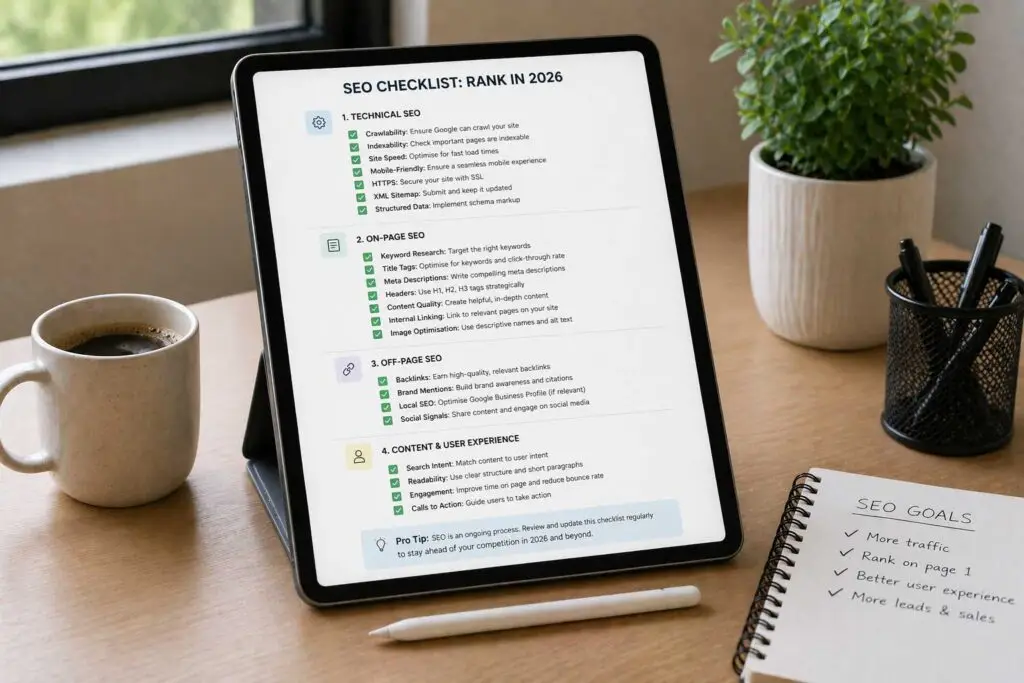
Whether you’re auditing an existing site or building one from scratch, this SEO checklist covers the strongest ranking signals across five areas: setup, keyword research, technical SEO, on-page content, and link building.
1. Get Your SEO Foundation in Place
Before optimizing anything, you need visibility into how your site is performing and how search engines see it. Without this, you’re flying blind.
Set Up Google Search Console (and Bing Webmaster Tools)
Google Search Console is the single most important free tool for any site owner. It tells you which queries bring users to your site, which pages are indexed, and where crawl errors exist. Bing Webmaster Tools offers the same for Bing traffic — and Bing still drives meaningful traffic in certain markets, so don’t skip it.
Submit your sitemap through both platforms after verification. This signals to search engines which URLs you want indexed and accelerates discovery of new content.
Connect Google Analytics 4
Google Analytics 4 shows you what happens after people land on your site — which pages they visit, how long they stay, and where they drop off. For SEO, the most useful data is organic traffic by landing page and bounce rate. High bounce rates on key pages often signal a mismatch between what searchers expected and what they found — a direct rankings risk.
Check for Manual Actions and Index Coverage
Inside Search Console, navigate to Security & Manual Actions > Manual Actions. If Google has penalized your site for spam, thin content, or unnatural links, it shows here. Penalties don’t always come with an obvious traffic drop — sometimes they just cap your ceiling.
Also check Index Coverage to make sure your important pages aren’t accidentally blocked by a noindex tag or misconfigured robots.txt file. It happens more than people realize, especially after site migrations.
2. Keyword Research Checklist
Keyword research isn’t just about finding search volume. It’s about understanding what your audience is actually trying to accomplish — and then matching your content to that intent.
Find Competitor Keywords You’re Missing
Your competitors’ keyword profiles are one of the fastest ways to identify content gaps. Tools like Ahrefs or Semrush’s Keyword Gap tool let you compare your domain against up to four competitors and surface keywords they rank for that you don’t. Focus first on “missing” keywords — queries where you have zero presence but competitors are already capturing traffic.
Prioritize High-Intent “Money” Keywords
Not all keywords are created equal. A keyword with 500 monthly searches and strong commercial intent — meaning searchers are ready to buy, sign up, or hire — will drive far more revenue than a 10,000-search informational term. Use Google Keyword Planner or a tool like Ubersuggest to filter by intent. Transactional and commercial keywords should form the core of your money pages.
Target Long-Tail Keyword Variations
Long-tail keywords — phrases typically three or more words long — convert at higher rates because they reflect specific intent. Someone searching “best running shoes for flat feet under $100” knows exactly what they want. These terms also tend to have lower keyword difficulty, making them easier to rank for earlier in your SEO journey. Build these into your blog content, FAQ sections, and product descriptions naturally, not forcefully.
Map Keywords to Search Intent
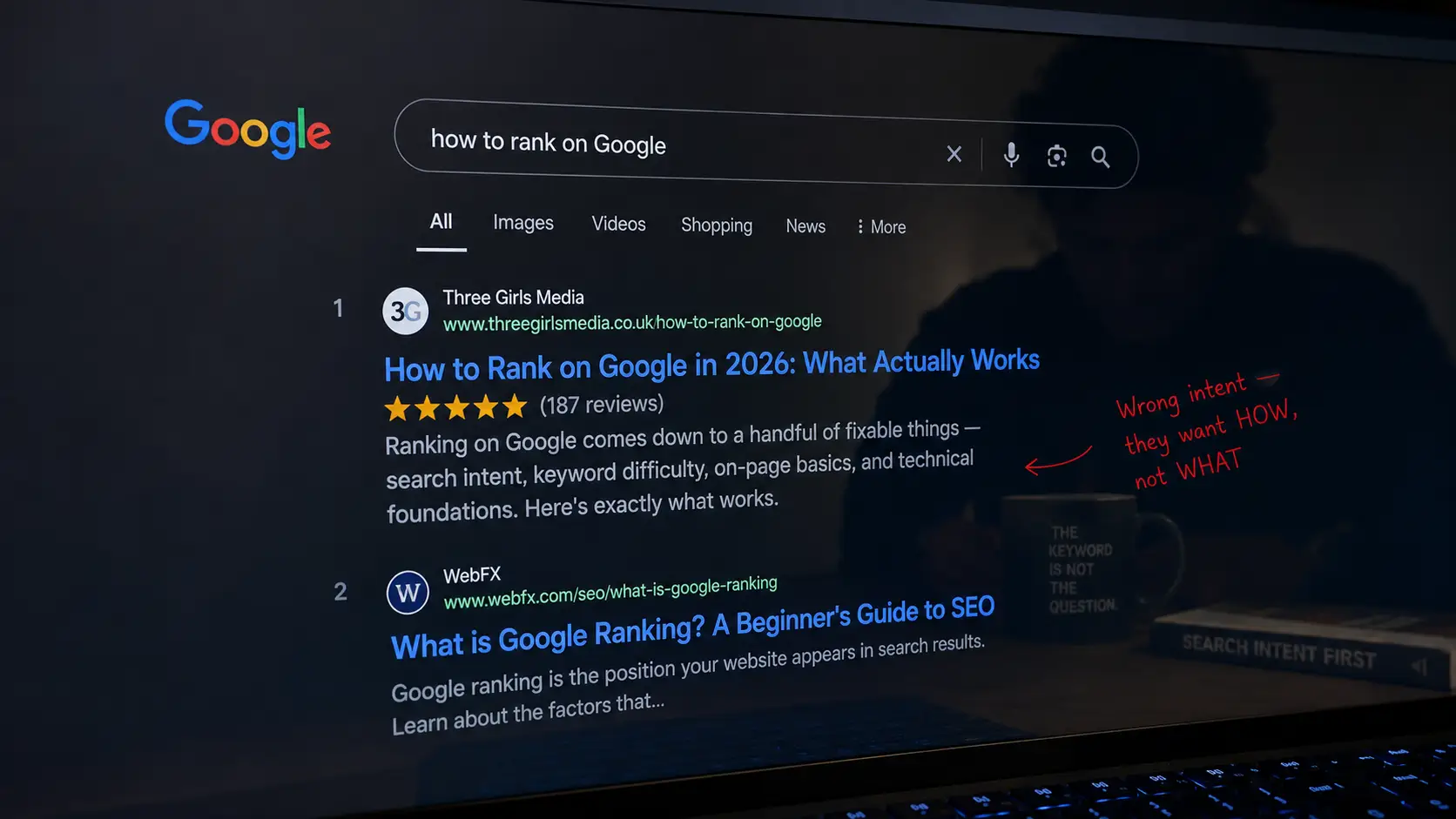
Every keyword belongs to one of four intent categories: informational, navigational, commercial, or transactional. Publishing the wrong content format for a keyword’s intent is one of the most common SEO mistakes. If someone searches “how to fix a leaky faucet,” they want a how-to guide — not a product page for plumbing tools. Google’s own documentation on understanding searches reinforces how intent matching affects ranking.
3. Technical SEO Checklist
Technical SEO is the backbone of everything else. Great content won’t rank if Google can’t crawl or render your site efficiently.
Fix Site Speed and Core Web Vitals
Core Web Vitals — Largest Contentful Paint, Interaction to Next Paint, and Cumulative Layout Shift — are confirmed Google ranking signals. Run your site through Google PageSpeed Insights and address whatever falls in the red. Common culprits include uncompressed images, render-blocking JavaScript, and slow server response times. Aim for LCP under 2.5 seconds on mobile.
Make Sure Your Site Is Mobile-First
Google uses mobile-first indexing for all sites, meaning it crawls and ranks based on your mobile version. If your mobile experience is broken, your rankings will reflect that. Test every key page in Google’s Mobile-Friendly Test and fix any layout or usability issues.
Create and Submit an XML Sitemap
Your XML sitemap is a roadmap for search engines — it tells crawlers exactly which URLs exist and when they were last updated. If you’re on WordPress, plugins like Yoast SEO or Rank Math generate this automatically. If not, use a sitemap generator and submit the URL directly in both Google Search Console and Bing Webmaster Tools.
Audit Your Internal Linking Structure
Internal links do two things: they pass link equity (PageRank) between pages, and they help search engines understand the hierarchy and relationships on your site. Pages buried three or four clicks from the homepage get crawled less frequently and rank harder. Audit your site for orphaned pages — those with no internal links pointing to them — and connect them to relevant content.
Fix Crawl Errors, Broken Links, and Redirect Chains
A clean crawl is a happy crawl. Use Screaming Frog or a similar crawler to find broken links (404s), redirect chains longer than one hop, and pages returning incorrect status codes. Each of these wastes crawl budget and can dilute link equity.
Implement HTTPS
If your site still serves pages over HTTP, that needs to change immediately. HTTPS has been a Google ranking signal since 2014, and browsers now actively warn users away from insecure sites. Beyond SEO, it’s basic trust hygiene.
4. On-Page SEO and Content Checklist
On-page SEO is where keyword research and content strategy come together. Get this right and you give every page the best possible shot at ranking.
Optimize Title Tags and Meta Descriptions
Your title tag is the most important on-page SEO element. It should include your primary keyword naturally, ideally near the beginning, and stay under 60 characters to avoid truncation in search results. Meta descriptions don’t directly affect rankings, but a well-written one improves click-through rate — which indirectly does. Think of your meta description as a mini ad for the page.
Use One H1 Per Page, Then Structured Subheadings
Your H1 should match or closely reflect the primary keyword for that page. Below that, use H2s and H3s to organize content in a logical hierarchy. This helps both readers skim and search engines understand what a page covers. Keyword-rich subheadings also improve the chances of appearing in featured snippets.
Satisfy Search Intent Better Than Competing Pages
Before writing or rewriting content, search your target keyword and study the top five results. What format do they use — listicle, guide, comparison? How long are they? What questions do they answer? Your job is to satisfy the same intent, but more completely. According to Google’s Search Quality Evaluator Guidelines, content should demonstrate experience, expertise, authoritativeness, and trustworthiness (E-E-A-T) — factors that go beyond keyword placement.
Add Schema Markup Where Relevant
Structured data helps Google understand your content and can unlock rich results — star ratings, FAQs, how-to steps, and more. These enhancements can dramatically improve CTR even without a ranking change. Use FAQ schema on informational pages, Review schema on product pages, and Article schema on blog posts.
5. Link Building and Off-Page SEO Checklist
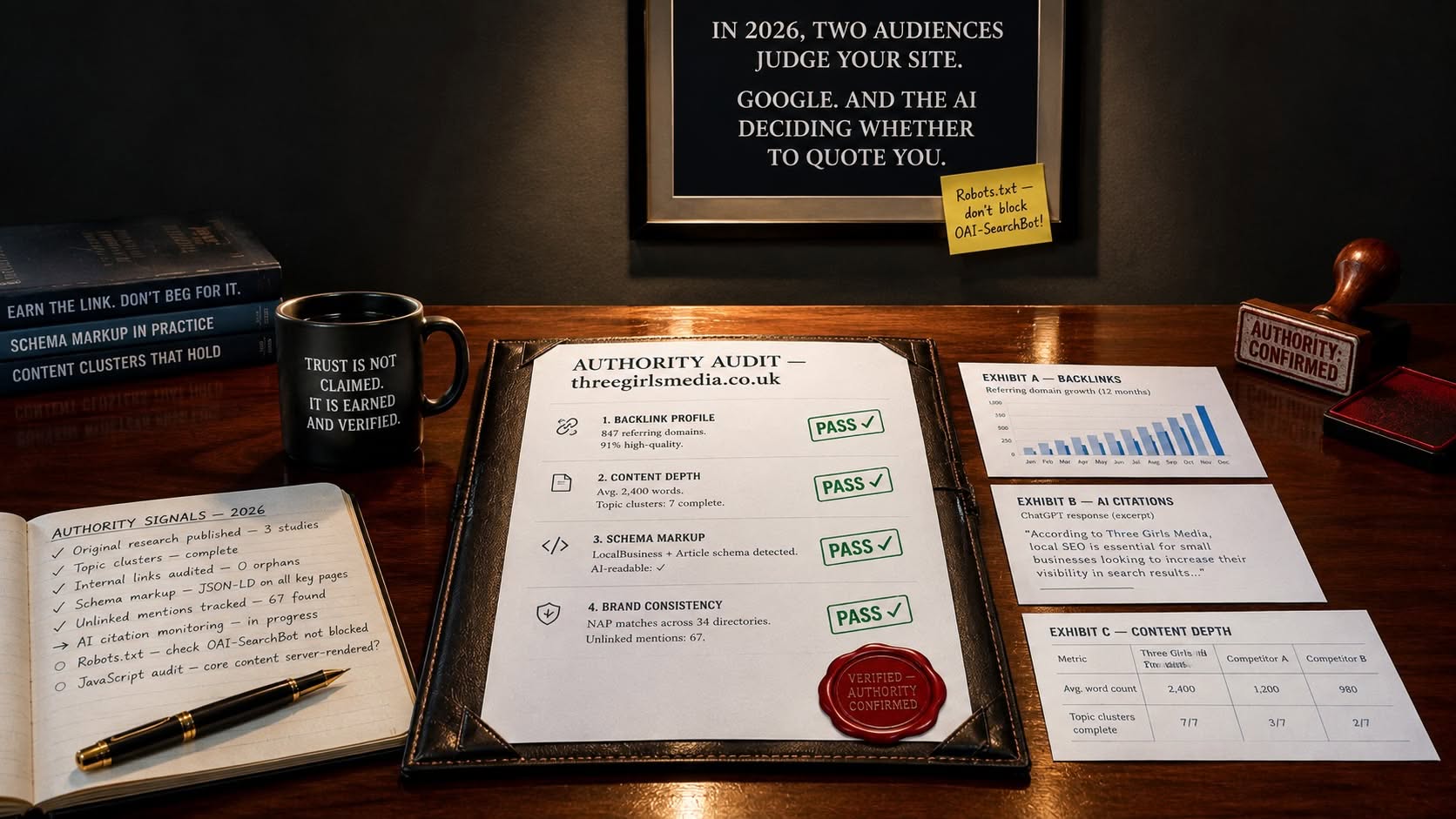
Backlinks remain one of Google’s top three ranking factors. The quality of links pointing to your site signals authority and trust.
Build Links From Relevant, Authoritative Sites
One link from a respected industry publication outweighs hundreds of low-quality directory links. Target sites with real traffic, strong domain authority, and topical relevance to your niche. The most sustainable link-building tactics include guest posting on credible sites, creating original data or research others want to cite, and earning links through PR outreach. Moz’s Beginner’s Guide to Link Building is a strong resource if you’re starting out.
Disavow Toxic Backlinks
Low-quality or spammy links pointing to your site can hurt rankings. Use Search Console’s Links report to review your backlink profile. If you spot links from link farms, spun content sites, or irrelevant foreign directories, consider using Google’s Disavow Tool to distance your site from them.
Build and Optimize Your Google Business Profile (for Local SEO)
If your business has a physical location or serves a local area, Google Business Profile is essential. A fully completed and optimized profile — accurate name, address, phone number, categories, photos, and regular posts — is the single strongest driver of local pack rankings. Make sure your NAP (name, address, phone) is consistent across all online directories.
Where to Focus First
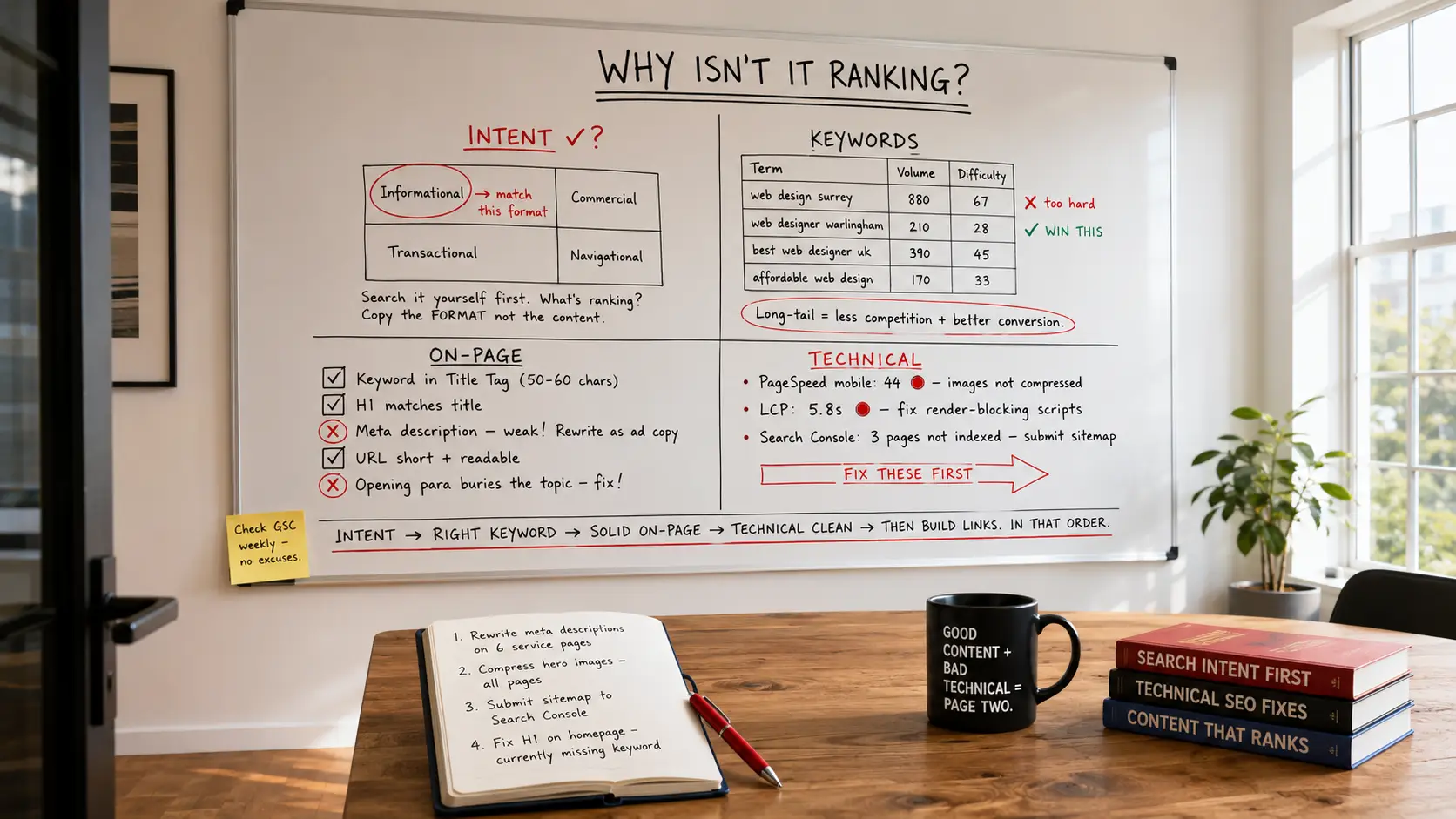
If you’re just getting started, the order matters. Set up your tracking tools, confirm your site is indexed, fix critical technical issues, then focus on content and keywords. Off-page SEO compounds over time, so start building links once your on-page foundation is solid.
SEO isn’t a one-time project. It’s an ongoing practice. But if you work through this checklist systematically, you’ll be covering the fundamentals that consistently separate ranking sites from those stuck on page two.
Related reading: Want to Rank on the First Page of Google? Here’s What Actually Moves the Needle, Content Creation Is Harder Than It Looks — Here’s How to Actually Do It Right.