Every website owner wants better search visibility, but most don’t realize Google provides powerful optimization tools completely free. These aren’t just nice-to-have extras—they’re essential instruments that reveal exactly how Google sees your site and where improvements will make the biggest impact.
The right Google SEO tools eliminate guesswork from optimization. Instead of wondering why traffic dropped or which pages need attention, you get concrete data showing what’s working and what isn’t. This guide focuses on the six most impactful Google SEO tools and the specific ways to use them for measurable ranking improvements.
Google Search Console: Your Direct Line to Google’s Index
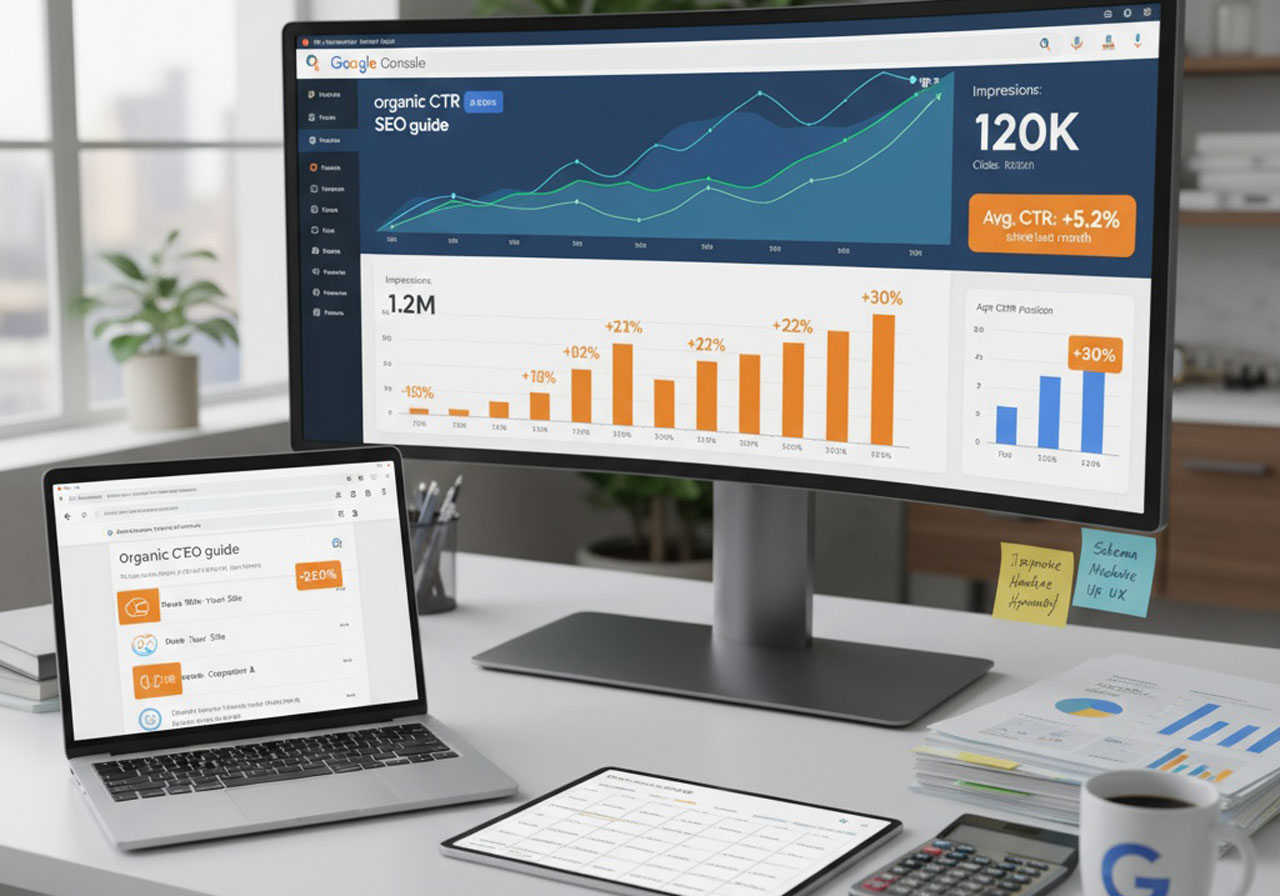
Google Search Console functions as your website’s command center for search performance. This free platform reveals how Google crawls, indexes, and ranks your pages while flagging technical issues that might be holding you back.
Understanding Your Search Performance Data
The Performance report shows four critical metrics that determine your search visibility. Total clicks tell you how many visitors came from Google. Impressions reveal how often your pages appeared in search results. Average position indicates where you typically rank. Click-through rate (CTR) shows what percentage of impressions converted to clicks.
High impressions with low clicks means your titles and descriptions need improvement. Good rankings with few impressions suggests you’re targeting the wrong keywords. The queries table reveals exactly which search terms bring traffic. Look for queries where you rank on page two—these represent quick win opportunities since you’re already close to page one visibility.
Resolving Indexing Problems That Block Rankings
Google can’t rank pages it hasn’t indexed. The Page Indexing report identifies exactly which pages Google successfully crawled versus those it couldn’t process.
Common indexing issues include pages blocked by robots.txt, noindex tags preventing indexing, redirect chains that confuse crawlers, and pages Google considers duplicate or low-quality content. When you fix indexing issues, submit those URLs for re-indexing through the URL Inspection tool.
Strategic Sitemap Submission
Your XML sitemap acts as a roadmap showing Google every important page on your site. Submit it through Search Console to ensure Google discovers new content quickly. Monitor the Sitemaps report to verify Google successfully processed your sitemap.
Google Analytics 4: Measuring Real Business Impact
While Search Console shows how people find your site, Google Analytics 4 reveals what they do after arriving. This distinction matters because rankings mean nothing if visitors immediately leave or fail to convert.
Evaluating Traffic Source Quality
The Traffic Acquisition report breaks down where your visitors originate. Organic search traffic—visitors who found you through unpaid search results—directly reflects your SEO success. Compare organic traffic volume to other sources to understand how much of your audience comes from search.
Look beyond raw visitor counts to engagement metrics. Traffic sources with high bounce rates or short session durations might bring quantity but lack quality. Sources with lower volume but strong engagement often indicate better audience targeting.
Tracking Meaningful Conversions
GA4’s conversion tracking shows which pages and traffic sources drive actions that matter to your business. Set up conversion tracking by defining events for important user actions, then marking those events as key events in GA4.
This data reveals your SEO’s actual business value. If organic traffic brings significant conversions, it justifies continued SEO investment. If organic visitors rarely convert, it signals a disconnect between the keywords you rank for and what your business actually offers.
Analyzing User Engagement Patterns
Engagement metrics reveal whether your content holds visitor attention. Engaged sessions—those lasting over 10 seconds, viewing multiple pages, or completing conversions—indicate content that resonates with readers. Identify pages with below-average engagement, then investigate why. Common culprits include slow loading times, poor mobile experience, or content that doesn’t match search intent.
PageSpeed Insights: Optimizing for Core Web Vitals
PageSpeed Insights analyzes your page load speed and user experience, generating scores that directly influence rankings. Google confirmed that Core Web Vitals—specific performance metrics around loading, interactivity, and visual stability—serve as ranking factors.
Understanding Your Performance Score
PageSpeed Insights generates separate scores for mobile and desktop versions. The overall performance score ranges from 0 to 100, with scores above 90 considered good, 50-90 needing improvement, and below 50 indicating serious issues.
Focus on three Core Web Vitals metrics. Largest Contentful Paint (LCP) measures loading speed. Interaction to Next Paint (INP) tracks responsiveness. Cumulative Layout Shift (CLS) quantifies visual stability by measuring unexpected layout shifts.
Implementing Critical Performance Fixes
The Diagnostics section lists specific issues hurting your performance score. Focus on recommendations offering the largest potential time savings first.
Common high-impact fixes include compressing images, enabling browser caching, minimizing CSS and JavaScript, and implementing lazy loading for below-the-fold images. Test each change by running PageSpeed Insights again to understand which optimizations deliver the biggest improvements.
Google Business Profile: Dominating Local Search Results
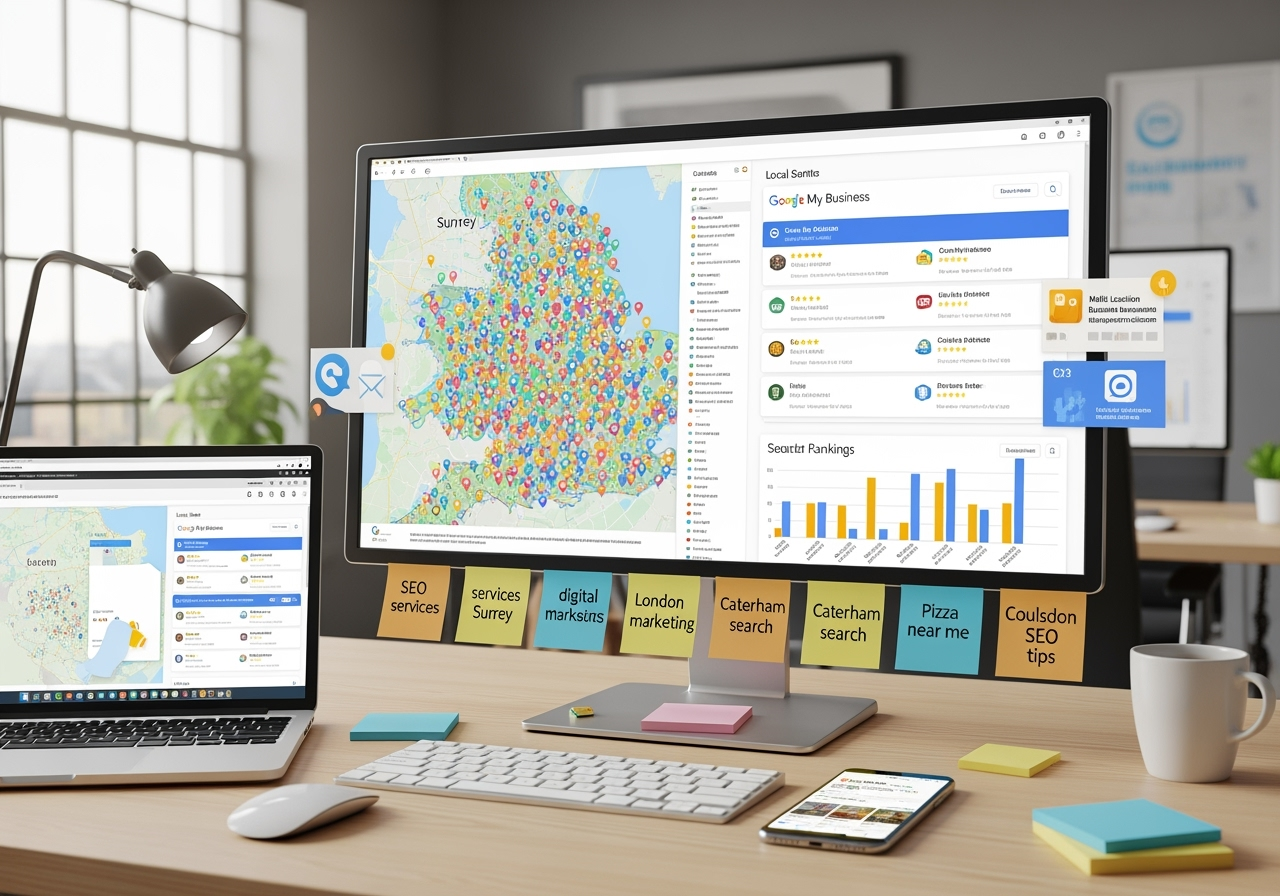
For businesses serving specific geographic areas, Google Business Profile represents the fastest path to local visibility. This free listing controls how your business appears in Google Maps and local search results.
Maximizing Local Search Visibility
Complete every section with accurate information. Choose the most specific business category available. Write a detailed description incorporating keywords customers use when searching for businesses like yours.
Encourage satisfied customers to leave reviews—both quantity and quality influence local rankings. Respond to all reviews promptly. Post regular updates to keep your profile active and engage potential customers.
Managing Customer Interactions
Enable messaging to capture leads who prefer immediate communication. Monitor and respond to customer questions posted to your profile. Keep business information current, especially operating hours during holidays or special events.
Google Keyword Planner: Finding Ranking Opportunities
Keyword Planner was designed for Google Ads campaigns, but it also serves as a valuable SEO research tool. It reveals search volume data, competition levels, and related keyword ideas that inform content strategy.
Discovering High-Value Keywords
Enter terms closely related to your business, products, or services. Keyword Planner generates hundreds of related keyword ideas with average monthly search volume for each.
Look for keywords with meaningful search volume but lower competition. These represent opportunities to rank relatively quickly. Pay attention to long-tail keyword variations—more specific phrases with lower individual search volume that often convert better.
Balancing Search Volume and Difficulty
Cross-reference keywords with significant search volume against what’s currently ranking by searching those terms yourself. Examine the top-ranking pages. If they’re all from major, established sites, that suggests difficulty. If smaller sites appear in top results, it indicates more realistic opportunities.
Consider search intent behind each keyword. Users searching “buy running shoes” demonstrate clear purchase intent, while those searching “best running shoes” likely research options first. Both keywords matter, but they require different content approaches.
Google Trends: Timing Your Content Strategy
Google Trends tracks search interest over time, revealing which topics are gaining or losing popularity. Creating content around rising trends lets you establish authority before competition intensifies.
Identifying Trending Topics in Your Niche
The Trending Now section shows topics experiencing sudden surges in search interest. Apply category and time filters to focus on trends relevant to your specific industry. When you spot a relevant trending topic, act quickly.
Compare search interest for multiple related terms to identify which variations receive more searches. This preference should inform your content language and keyword targeting.
Analyzing Seasonal Patterns
The Interest Over Time graph reveals seasonal fluctuations in search behavior. Create and publish seasonal content several weeks before peak interest begins—search engines need time to crawl, index, and rank new content.
Identify evergreen topics that maintain consistent interest year-round. These provide steady traffic regardless of season and deserve ongoing optimization.
Combining Google SEO Tools for Maximum Impact
Each Google SEO tool provides specific insights, but they deliver even greater value when used together. Search Console reveals ranking opportunities, Analytics shows how visitors engage, PageSpeed Insights ensures fast loading, and Trends helps time your content strategy.
Start each month by reviewing Search Console performance to identify queries where rankings changed. Use Analytics to determine which pages drive the most conversions. Run PageSpeed Insights on your most important pages quarterly. Check Trends before planning new content to ensure topics align with current interest.
Taking Action on Your SEO Data
Free Google SEO tools provide everything needed to understand and improve your search visibility. The difference between sites that succeed and those that struggle often comes down to whether they actually use these tools.
Schedule weekly time to review your Search Console data and make improvements. Track your Analytics conversions to ensure SEO efforts deliver business results. Test page speed regularly and implement fixes promptly. Research keywords before creating new content.
These tools cost nothing but attention and effort. Sites winning in search results consistently use this data to guide decisions, fix problems quickly, and capitalize on opportunities. Make data-driven optimization your standard operating procedure, and rankings will improve as a natural result.